


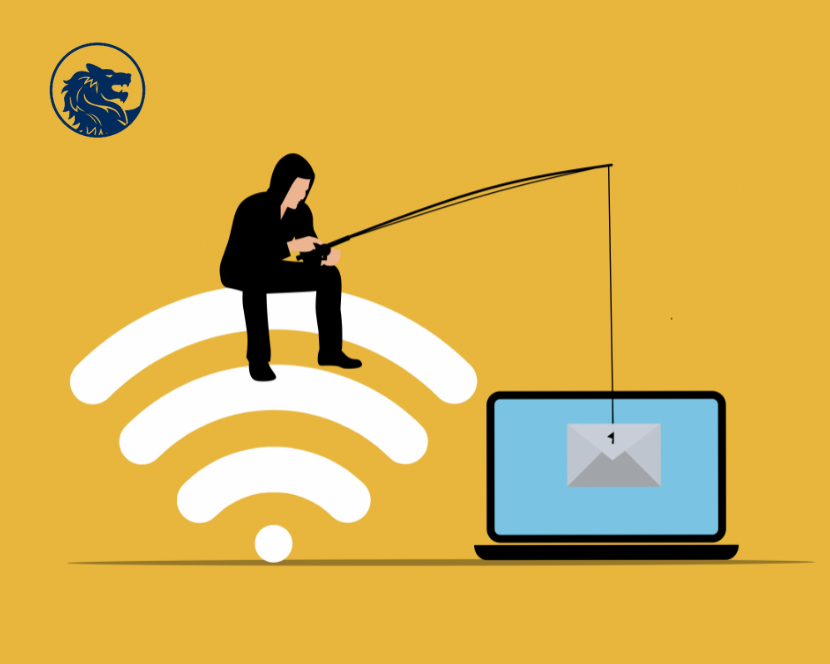
01 Dec Small Business Phishing
You get an email that looks like it’s from someone you know.
It seems to be from one of your company’s vendors and asks that you click on a link to update your business account. Should you click? Maybe it looks like it’s from your boss and asks for your network password. Should you reply? In either case, probably not. These may be phishing attempts.
HOW PHISHING WORKS
You get an email or text: It seems to be from someone you know, and it asks you to click a link, or give your password, business bank account, or other sensitive information.
It looks real: It’s easy to spoof logos and make up fake email addresses. Scammers use familiar company names or pretend to be someone you know.
It’s urgent: The message pressures you to act now — or something bad will happen.
What happens next: If you click on a link, scammers can install ransomware or other programs that can lock you out of your data and spread to the entire company network. If you share passwords, scammers now have access to all those accounts.
HOW TO PROTECT YOUR BUSINESS
Back up your data: Regularly back up your data and make sure those backups are not connected to the network. That way, if a phishing attack happens and hackers get to your network, you can restore your data. Make data backup part of your routine business operations.
Keep your security up to date: Always install the latest patches and updates. Look for additional means of protection, like email authentication and intrusion prevention software, and set them to update automatically on your computers. On mobile devices, you may have to do it manually.
Alert your staff: Share with them this information. Keep in mind that phishing scammers change their tactics often, so make sure you include tips for spotting the latest phishing schemes in your regular training.
Deploy a safety net: Use email authentication technology to help prevent phishing emails from reaching your company’s inboxes in the first place.
WHAT IF YOU FALL FOR A PHISHING SCHEME
Alert others: Talk to your colleagues and share your experience. Phishing attacks often happen to more than one person in a company.
Limit the damage: Immediately change any compromised passwords and disconnect from the network any computer or device that’s infected with malware.
Follow your company’s procedures: These may include notifying specific people in your organization or contractors that help you with IT.
Notify customers: If your data or personal information was compromised, make sure you notify the affected parties — they could be at risk of identity theft. Find information on how to do that at Data Breach Response: A Guide for Business (FTC.gov/DataBreach).
Report it: Forward phishing emails to reportphishing@apwg.org (an address used by the Anti-Phishing Working Group, which includes ISPs, security vendors, financial institutions, and law enforcement agencies). Let the company or person that was impersonated know about the phishing scheme. And report it to the FTC at ReportFraud.ftc.gov.
Sorry, the comment form is closed at this time.